Mixamo
1. What is Mixamo?

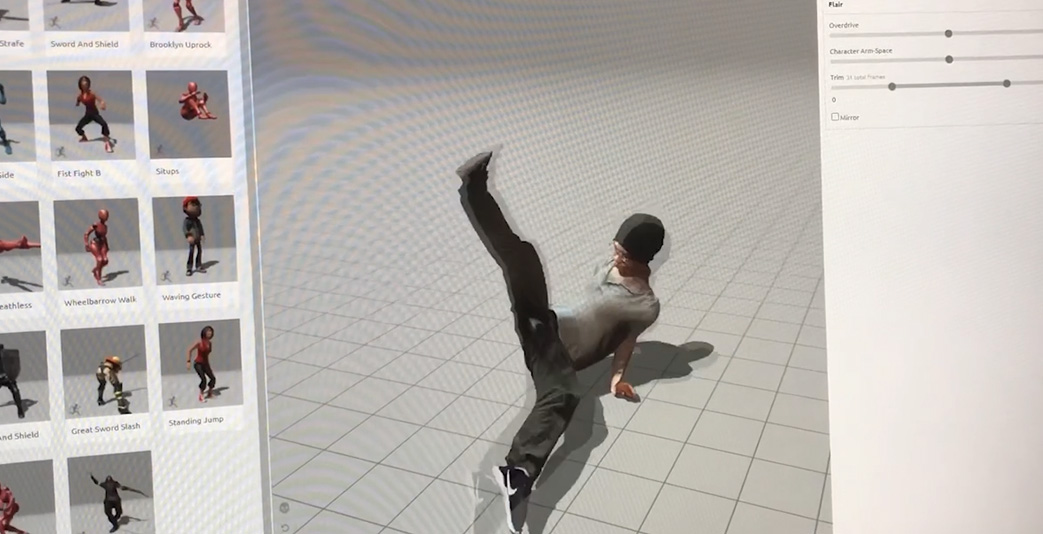
Mixamo is a tool that allows you to easily create 3D character animations using a web app published by Adobe. It’s free to use—all you need to do is create an Adobe account. You can download the animations you create in FBX format.
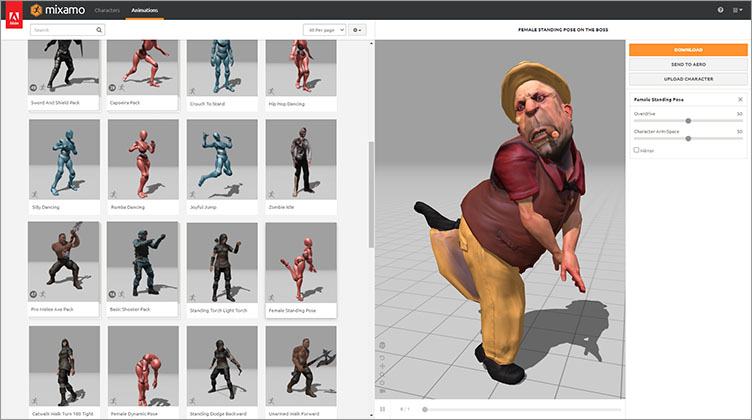
All 3D characters and animations on Mixamo are royalty-free and can be used for personal, commercial, and non-profit projects (see Adobe Help). You can also upload your own characters and use Auto Rigging and animation settings. Officially supported as a Blender add-on (July 2021).
2. Instructional Video
As explained in these lecture notes, the video below covers most of the material.
3. Creating an Account (Not required if you have Adobe CC)
*Note: Until 2021, corporate and university domain names (such as tmu.ac.jp) were not supported, but as of June 2022, Adobe CC accounts using university domain names are supported.
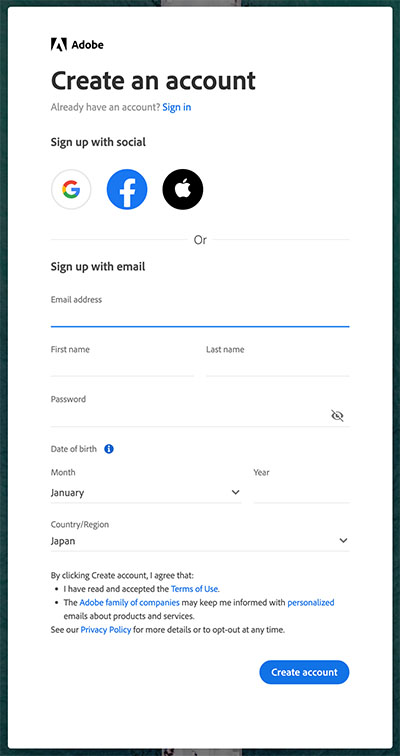
Go to the website below and click “Sign Up” in the upper-right corner.
Enter the required information in the form and click “Create account.” You will then receive a confirmation email; please follow the instructions in the email.
4. Character Selection
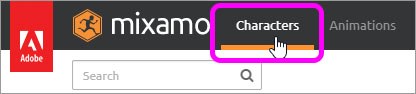
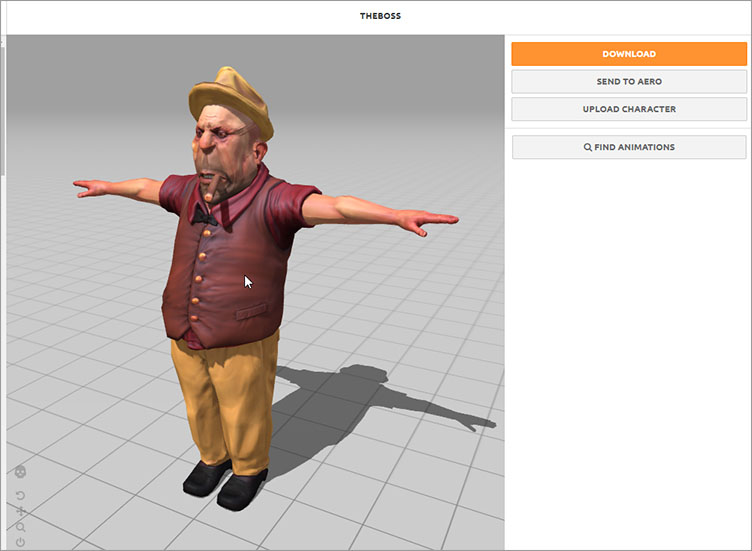
Click “Characters” in the top-left menu.
Select a character from the thumbnails.
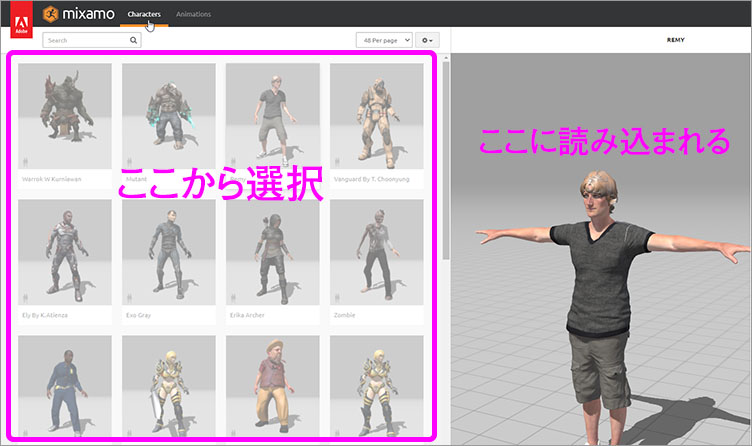
5. Selecting an Animation
Click “Animations” in the top-left menu.
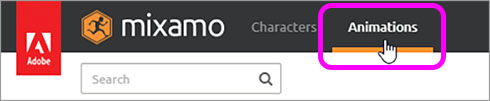
Select an animation from the thumbnails.
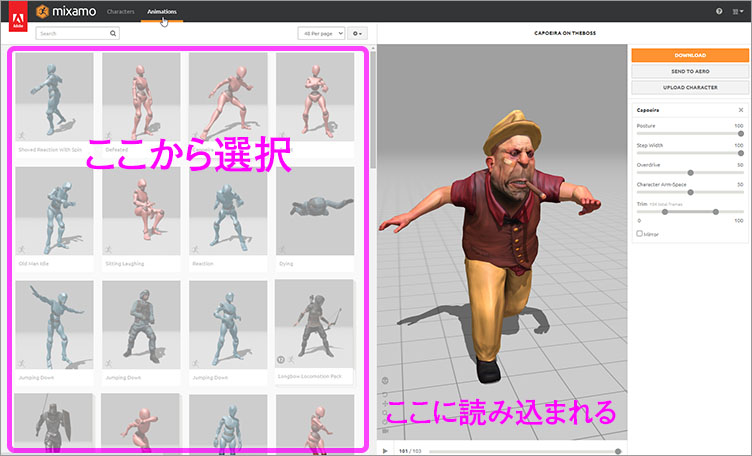
You can adjust the animation by manipulating the parameters highlighted in the purple box below.
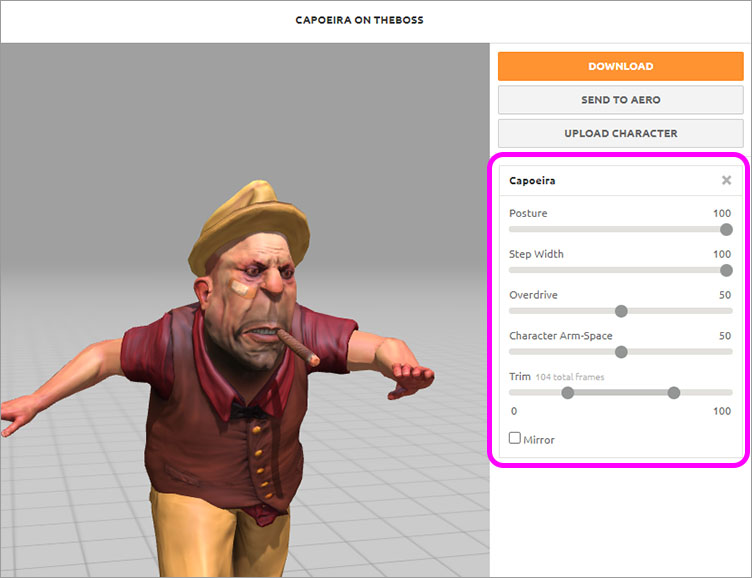
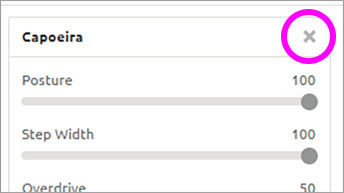
Click the X shown below to reset the assigned animation.
6. Working with Views
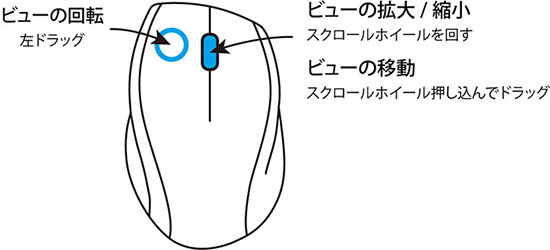
Use the mouse to navigate the view.
Use the time slider to play, pause, and scrub.

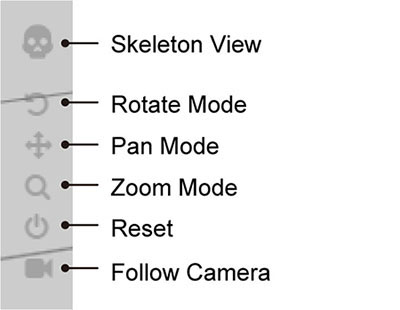
Use the icons in the lower-left corner of the view. The Reset button may not work properly.
7. Animation Pack
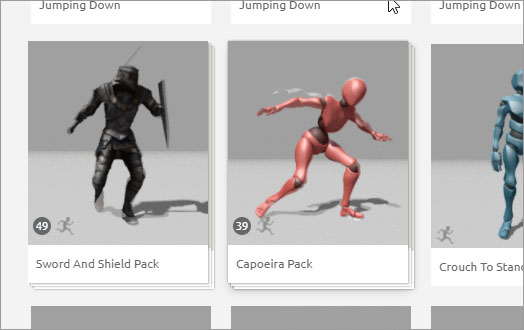
As shown in the figure below, icons with a number in the lower-left corner are called “Animation Packs” and contain multiple animations.
8. Downloading FBX
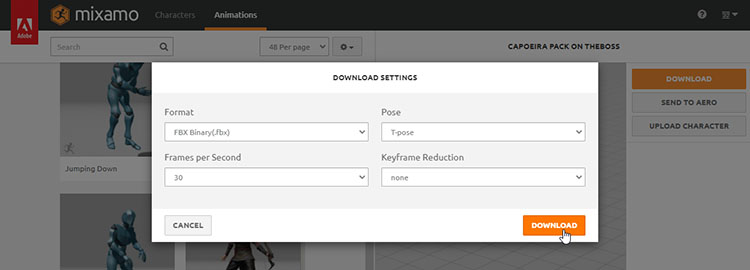
Click the DOWNLOAD button on the right. If no animations have been set, you can download only the character data FBX file; if animations have been set, you can download the FBX file that includes the animations.
9. Auto Rigging for Original Characters
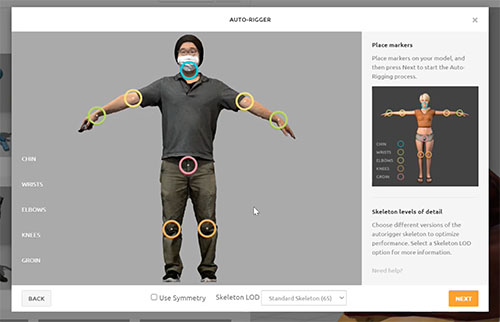
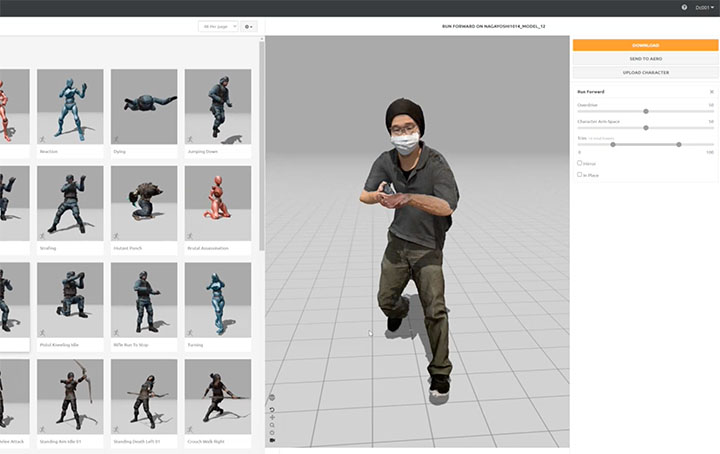
With Mixamo, you can not only apply animations to characters from the library, but also upload your own original characters, use Auto Rigging, and apply animations to them.
10. Mixamo Add-on for Blender
A Mixamo add-on for Blender has been released. This add-on makes it easy to rig your own characters directly in Blender.
https://substance3d.adobe.com/plugins/mixamo-in-blender/